We have all seen the sci-fi movies where a character walks into a room, says a single word, and the entire house springs to life—lights dimming, music playing, and the coffee machine whirring.
For a long time, having a “smart home” meant hiring expensive contractors to hardwire your entire house. Today, that sci-fi reality is available to anyone with a Wi-Fi connection and a spare $20.
Whether you are a busy professional trying to automate your morning routine, an online business owner looking to streamline your home office, or a creator wanting to change your room’s background lighting for a TikTok video with a single voice command, a smart home can save you serious time and energy.
However, walking into the smart tech aisle of an electronics store can be incredibly intimidating. In this beginner’s guide, we will cut through the noise, help you choose an ecosystem, and show you the three cheapest, easiest upgrades to get started.
Step 1: Choose Your Ecosystem (The Brain)
Before you buy a single lightbulb or camera, you need to decide who is going to be the “boss” of your house. If you buy a Google camera, an Amazon lightbulb, and an Apple door lock, they might not know how to talk to each other, forcing you to use three different apps just to control your living room.
To keep things simple, you want to pick one central ecosystem. The “Big Three” are:
- Amazon Alexa: The most widely compatible ecosystem on the market. Almost every smart device ever made works with Alexa. It is incredibly affordable to get started with a basic Echo Dot speaker.
- Google Home (Google Assistant): If you already rely heavily on Google Calendar, Gmail, and Android devices, Google Home is a seamless fit. It is generally considered to be the “smartest” voice assistant when it comes to answering complex internet search questions.
- Apple HomeKit: The best choice for absolute privacy and strict security. If your entire family uses iPhones, iPads, and Macs, HomeKit works beautifully. However, fewer third-party devices are compatible with Apple, and the hardware tends to be more expensive.
Pro Tip: Look for the “Matter” logo on any new smart device you buy. Matter is a new universal industry standard. If a device has the Matter logo, it is guaranteed to work flawlessly with Alexa, Google, AND Apple, future-proofing your home!
Step 2: The 3 Best “Easy Wins” for Beginners
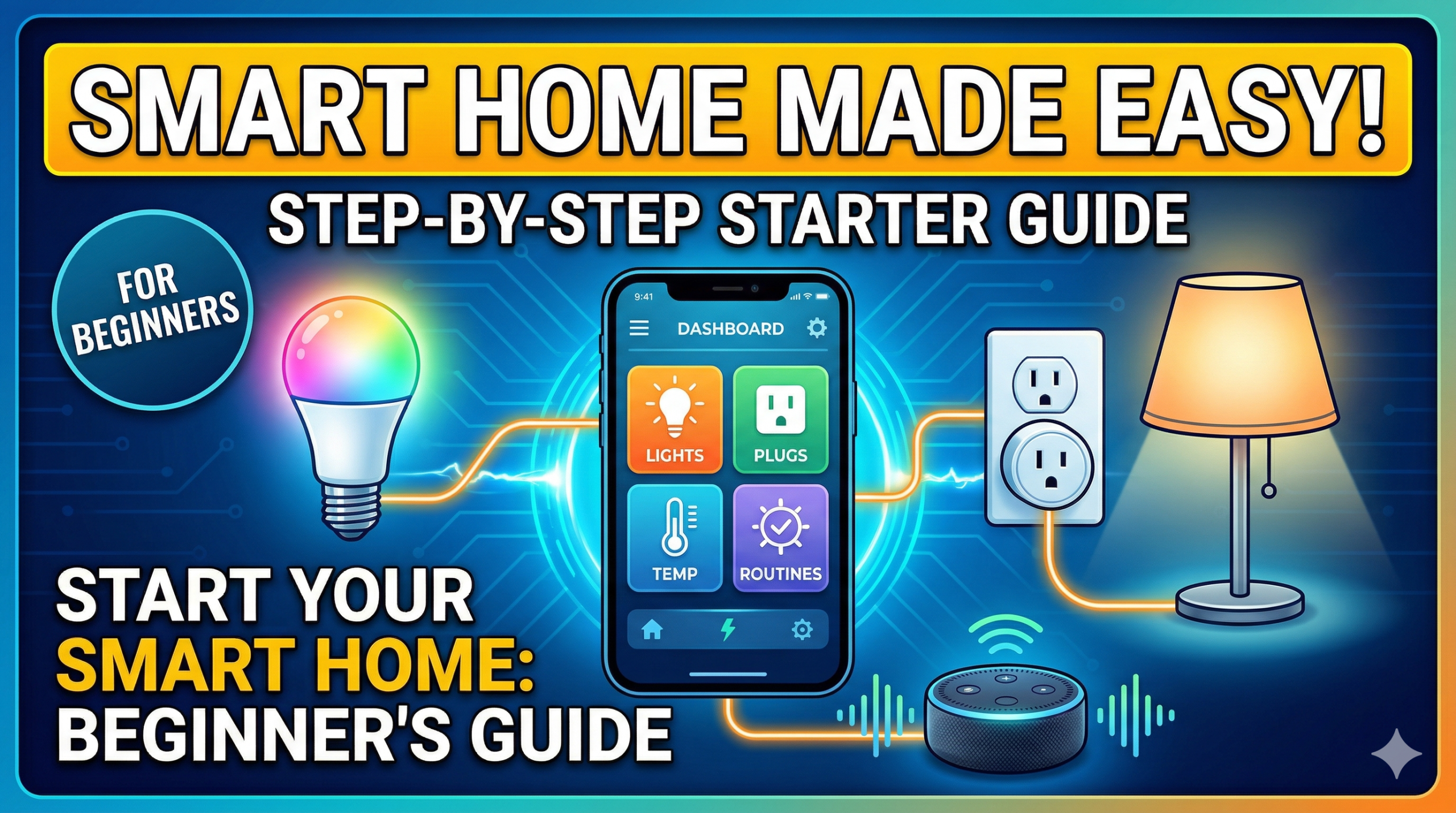
You do not need to replace your refrigerator or your washing machine to have a smart home. Start small with these three affordable, high-impact upgrades.
1. Smart Plugs (The Cheapest Upgrade)
A smart plug is a small adapter that plugs into your regular wall outlet; you then plug your “dumb” appliances into it. It connects to your Wi-Fi, allowing you to cut the power on or off via an app or your voice.
- Best Uses: Plug in a traditional living room lamp, a box fan, or your morning coffee maker. You can set a schedule so your coffee maker turns on exactly five minutes before your alarm clock goes off, or ensure your space heater automatically turns off when you leave the house.
2. Smart Bulbs (The Vibe Setter)
Smart LED bulbs screw into your existing light fixtures but contain tiny Wi-Fi or Bluetooth radios.
- Best Uses: Beyond just turning lights on and off from the couch, color-changing smart bulbs are a game-changer. You can set them to an energizing cool-blue light for working in your home office, dim them to a warm orange for reading at night, or instantly switch them to neon colors to create a dynamic background for shooting social media content.
3. A Smart Speaker / Hub (The Voice Commander)
While you can control smart plugs and bulbs from an app on your phone, true automation means never having to pull your phone out of your pocket.
- Best Uses: Buying a small, $30 to $50 smart speaker (like a Google Nest Mini or Amazon Echo Dot) allows you to use voice commands. You simply say, “Turn off the office lights,” or “Set the living room to movie mode,” and the speaker commands the rest of your devices instantly.
Step 3: Setting Up “Routines” (Where the Magic Happens)
Once you have a smart plug or a few smart bulbs, the real power of a smart home comes from creating Routines (sometimes called Automations).
Instead of controlling one device at a time, a routine groups actions together based on a specific trigger. You set these up once in your Alexa, Google, or Apple app, and they run automatically forever.
Examples of Beginner Routines:
- “Good Morning”: When you say your wake word, the system slowly turns up the bedroom lights, starts your coffee maker via a smart plug, and reads you the day’s weather and your calendar appointments.
- “Leaving Home”: When your phone’s GPS detects that you have left your neighborhood, the system automatically turns off every smart light in the house, locks the smart deadbolt, and turns down the thermostat to save money.
- “Action!”: If you are filming a video, a single command can turn off the overhead lights, turn on your colorful background smart bulbs, and silence notifications on your other devices.
Crucial Advice Before You Start
As you begin building your smart home, keep these two foundational rules in mind:
- Your Wi-Fi is the Backbone: A smart home is only as smart as the network it relies on. If you are adding 15 new smart bulbs and plugs to your house, a weak, ten-year-old router will start dropping connections. Ensure your home Wi-Fi network is optimized (and potentially upgraded to a Mesh system) to handle the extra traffic.
- Secure Your Virtual Front Door: Every smart plug and camera is a tiny computer connected to the internet. Always secure your Amazon, Google, or Apple accounts with a strong, unique password and Two-Factor Authentication (2FA) to ensure nobody but you can control your home.
The Bottom Line
Building a smart home isn’t an all-or-nothing project. You don’t need to spend a fortune to live in the future. By picking a central ecosystem, buying a few $15 smart plugs and bulbs, and experimenting with daily routines, you can slowly build a customized, automated home that perfectly fits your lifestyle and saves you valuable time every single day.
Leave a Reply