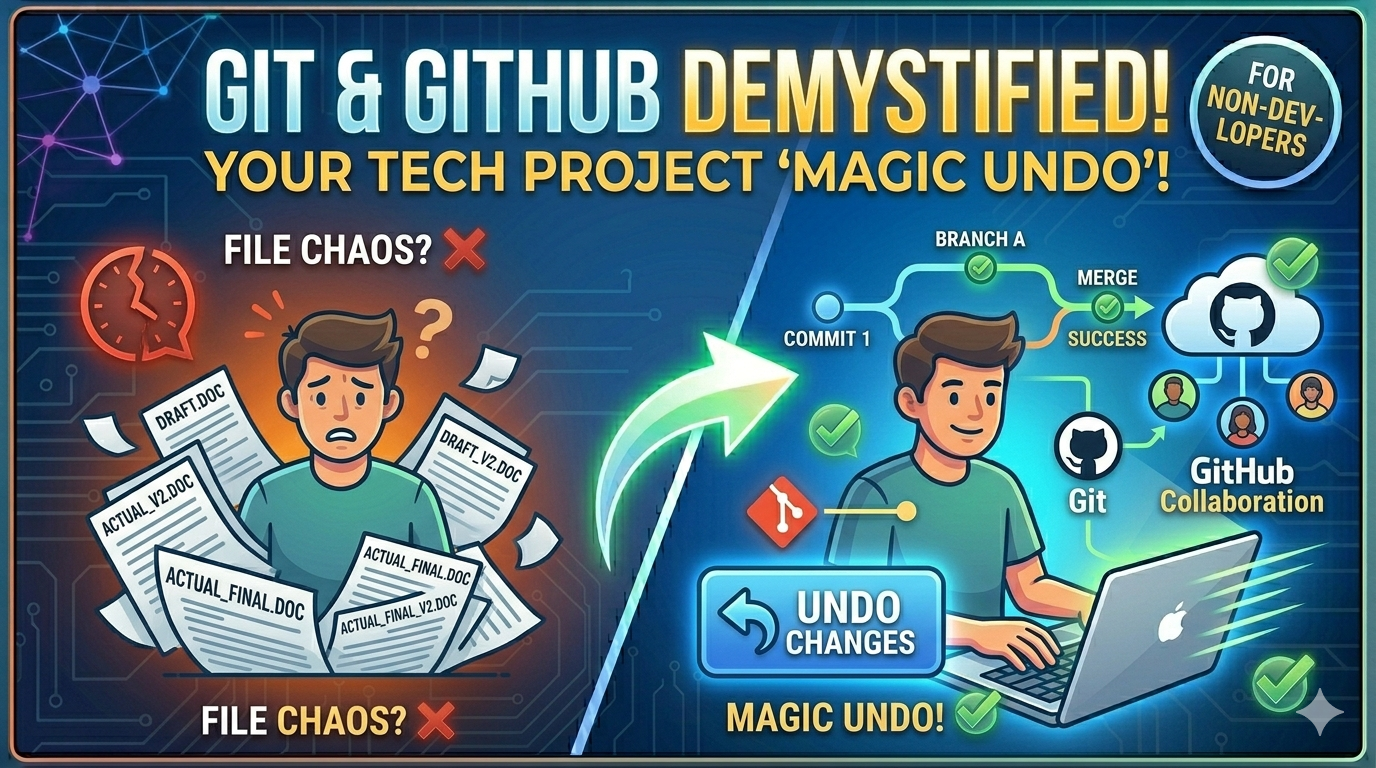
If you have ever worked on a major collaborative project, whether it was a college thesis or a corporate presentation, you are likely intimately familiar with the “File Naming Game.”
Your desktop probably looked something like this:
Website_Draft.docxWebsite_Draft_v2.docxWebsite_Draft_FINAL.docxWebsite_Draft_ACTUAL_FINAL_Johns_Edits.docx
It is a chaotic, stressful way to work. If someone accidentally deletes a crucial paragraph in the newest version, trying to dig through old files to find exactly what was changed is a nightmare.
Now, imagine you are a software development team building an app with millions of lines of code, and ten different people are editing that code at the exact same time. If they used the “File Naming Game,” the entire tech industry would collapse.
To solve this, developers use something called Version Control. At the heart of this system are two terms you have likely heard thrown around in the tech world: Git and GitHub.
While they sound intimidating, the concepts behind them are brilliantly simple. In this guide, we will translate developer jargon into plain English so you can understand exactly how modern software is built.
What is Version Control?
Before defining the tools, you need to understand the concept.
Version control is a system that records changes to a file or set of files over time so that you can recall specific versions later. Imagine you are writing a book, but instead of just saving the file and overwriting your old work, you have a magical assistant standing behind you. Every time you finish a chapter, the assistant takes a complete snapshot of your entire manuscript, timestamps it, and asks you to write a quick sticky note explaining what you changed (e.g., “Added plot twist in chapter 4”).
If you decide two months later that the plot twist was a terrible idea, you don’t have to rewrite the whole book. You just tell the assistant to restore the exact snapshot from two months ago. That is version control.
What is Git? (The Camera)
Git is the most popular version control software in the world. It was created in 2005 by Linus Torvalds (the same genius who created the Linux operating system).
Git is the actual “magical assistant” taking the snapshots. It is a free program that runs locally on your computer. When a developer types out code, Git works silently in the background, tracking exactly which lines of text were added, deleted, or modified.
The Core Concepts of Git (Translated)
To understand how developers talk, here is a quick translation guide of Git’s most common terms:
- Repository (or “Repo”): This is simply the master folder for the project. When you tell Git to track a folder, that folder becomes a repository.
- Commit: This is the act of taking a snapshot. When a developer makes a change they are happy with, they “commit” the code. Every commit requires a short message explaining the change.
- Branch: This is Git’s true superpower. Imagine a developer wants to test a radical new feature, like changing the entire website layout, but they don’t want to break the live website. They create a “Branch.” This spins off an alternate universe copy of the code where they can safely experiment. The main code (the “Master” or “Main” branch) remains completely untouched.
- Merge: If the experimental layout on the new branch looks great, the developer can “merge” that branch back into the main branch, combining the two timelines seamlessly.
What is GitHub? (The Network)
The biggest point of confusion for beginners is assuming Git and GitHub are the same thing. They are not.
If Git is the camera taking the snapshots, GitHub is Instagram.
Git runs locally on your specific computer. But what if you need to collaborate with a developer in London and another in Tokyo? You need a central place to host those code snapshots so everyone can access them.
GitHub is a website (currently owned by Microsoft) that hosts Git repositories in the cloud. It provides a visual interface that makes it incredibly easy for teams to:
- Download (Clone): Take a copy of the master code from GitHub down to their local computer.
- Upload (Push): Send their new, local “commits” up to the central GitHub repository for the rest of the team to see.
- Review (Pull Request): Before code is merged into the final product, a developer submits a “Pull Request.” This highlights exactly what code they want to change and asks the senior developers to review and approve it.
Why Non-Developers Need to Understand This
You don’t need to know how to write code to benefit from understanding the Git/GitHub workflow. If you are a project manager, a digital marketer, or an entrepreneur hiring freelance developers to build a website or an app, understanding this ecosystem is critical for three reasons:
1. It is the Ultimate Insurance Policy
If you hire a developer to update your company website and they accidentally delete the checkout page, you don’t need to panic. Because the project is tracked with Git, you can simply “roll back” the code to the snapshot from yesterday. The mistake is instantly erased.
2. It Manages Freelancers Safely
If you hire an external contractor to build a new feature, you do not want them editing your live, money-making website directly. Using GitHub, you can force them to work on a separate “Branch” and submit a “Pull Request.” This ensures your lead developer can inspect their work before it ever touches your live servers.
3. It Documents Everything
GitHub acts as the ultimate paper trail. Every line of code has a timestamp and an author’s name attached to it. If something breaks six months from now, you can look at the GitHub history, find the exact line of code that caused the issue, and see exactly who wrote it and why.
The Bottom Line
Git and GitHub might seem like intimidating tools built exclusively for hardcore programmers, but at their core, they are just incredibly efficient filing cabinets. They replaced the anxiety of the “File Naming Game” with a structured, collaborative environment that allows teams to build complex software without stepping on each other’s toes.
Leave a Reply