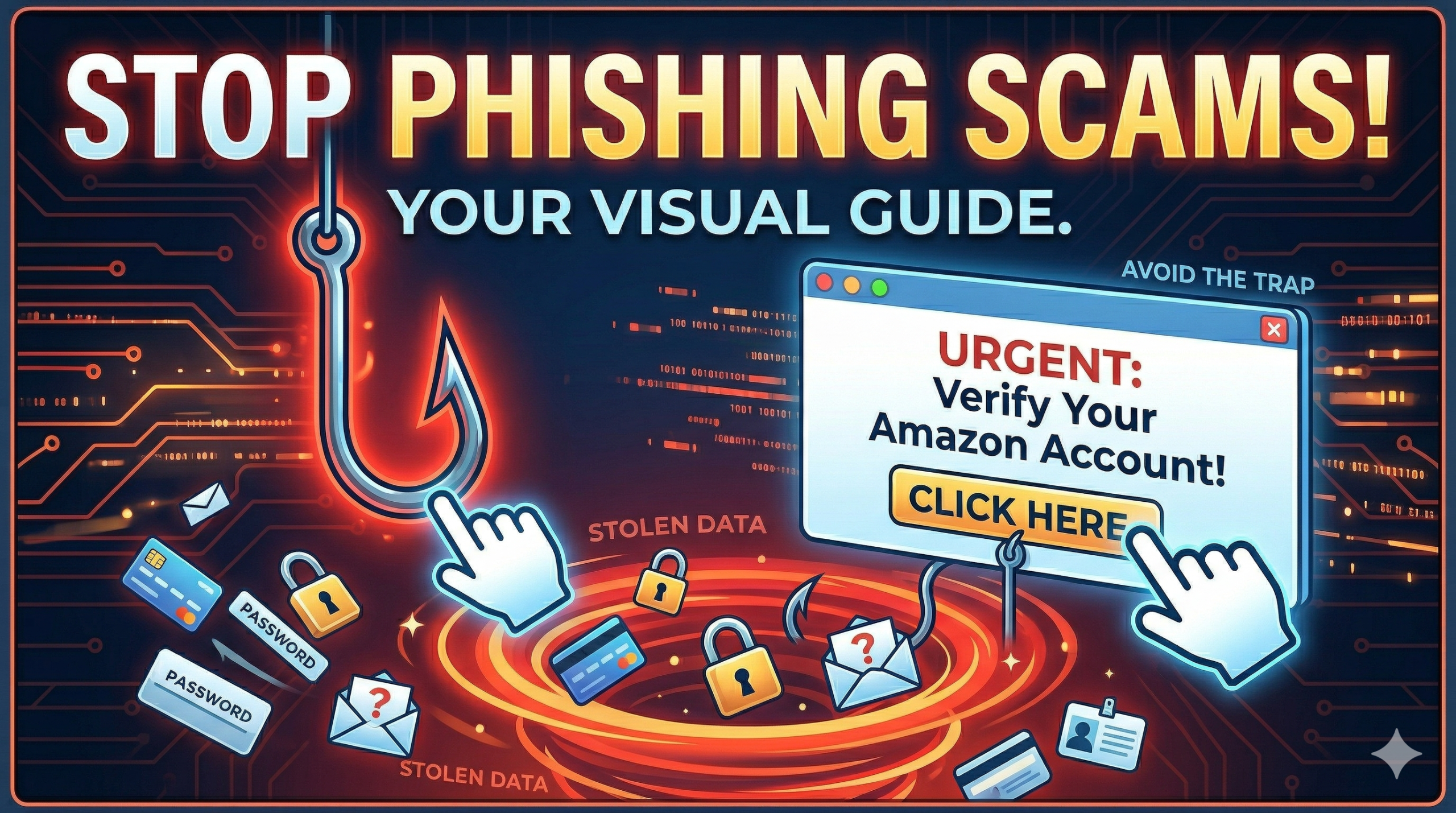
Forget the poorly spelled emails from a “foreign prince” asking for your bank account details. Those days are long gone. Today’s cybercriminals are highly sophisticated marketers, and their campaigns—known as phishing—are designed to look exactly like the companies you already trust.
Phishing is a type of social engineering where attackers impersonate legitimate organizations (like your bank, Amazon, Netflix, or even your boss) to trick you into revealing sensitive information, such as passwords or credit card numbers.
Because modern phishing is so visually convincing, traditional antivirus software often can’t catch it. The ultimate line of defense is you. In this guide, we will break down the telltale signs of a modern phishing attack and give you the tools to spot a scam before you click.
1. The Anatomy of a Phishing Email
Cybercriminals rely on a few psychological triggers—usually fear, urgency, or curiosity—to make you act without thinking. Before you click any link or download an attachment, run through this mental checklist:
The “From” Address is Slightly Off
This is the most critical check. Attackers will often change the display name to say “PayPal Security” or “Netflix Support,” but if you look at the actual email address, the truth is revealed.
- Legitimate:
support@paypal.com - Phishing:
support@paypal-security-update.comorpaypal-support@gmail.com
Pro Tip: Always tap or hover over the sender’s name on your smartphone or computer to reveal the actual email address hidden behind the display name.
Generic Greetings
If you have an account with a company, they know your name. Be highly suspicious of emails that start with “Dear Customer,” “Valued Member,” or “Dear Account Holder.”
The Manufactured Crisis (Urgency)
Phishing emails almost always try to panic you. They want you to react out of fear rather than logic. Watch out for subject lines like:
- “URGENT: Your account will be suspended in 24 hours.”
- “Fraud Alert: Unauthorized login attempt detected.”
- “Final Notice: Invoice Overdue.”
2. Decoding Fake URLs
The primary goal of a phishing email is to get you to click a link that takes you to a fake login page. These pages are meticulously designed to look like the real thing, right down to the logos and fonts.
Before you ever click a link, hover your mouse over it (or long-press on a mobile device) to see where it actually leads.
The Lookalike Domain
Attackers will register web addresses that look incredibly similar to the real ones, relying on you reading them too fast.
- Fake:
www.arnazon.com(Using an ‘r’ and ‘n’ to look like an ‘m’) - Fake:
www.chase-bank-login.com(Adding extra words to a legitimate name)
The Subdomain Trick
Understanding how a URL is structured is your best defense. The true domain is always the last word before the .com, .org, or .net.
- Legitimate:
login.microsoftonline.com(The true domain ismicrosoftonline.com) - Phishing:
microsoft.login-secure-update.com(The true domain islogin-secure-update.com. Microsoft has nothing to do with this site).
3. Beyond Email: Smishing and Vishing
Phishing has evolved beyond your inbox. You must be equally vigilant on your phone.
Smishing (SMS Phishing)
Text message open rates are significantly higher than email open rates, making them a prime target for scammers. Common “Smishing” attacks include:
- Fake Package Deliveries: “USPS: Your package is on hold due to a missing address. Click here to update: [fake link].”
- Bank Alerts: “Wells Fargo alert: Did you authorize a $500 payment? Reply YES or click [fake link] to cancel.”
Vishing (Voice Phishing)
This involves a live phone call or an automated voicemail claiming to be from the IRS, tech support, or your bank. They will often spoof the Caller ID so it looks legitimate. Remember: legitimate organizations will never call you out of the blue and demand your password, your full Social Security number, or payment via gift cards.
The Golden Rules of Prevention
If you want to make yourself practically immune to modern phishing, adopt these three golden rules:
- Never Click the Link: If you get an email or text saying there is a problem with your Amazon account, do not click the link provided. Open your web browser, manually type in
amazon.com, log in, and check your account status there. If there is a real problem, you will see a notification in your official dashboard. - Beware of Unexpected Attachments: Never download a
.zip,.exe, or macro-enabled Word document unless you are explicitly expecting it from someone you know and have verified they sent it. - Enable Two-Factor Authentication (2FA): Even if you accidentally fall for a phishing scam and give away your password, 2FA ensures the attacker still cannot access your account without the secondary code sent to your phone or authenticator app.
The Bottom Line
Cybercriminals are banking on you being distracted, rushed, or panicked. By slowing down, inspecting the sender’s actual email address, and hovering over URLs before you click, you can spot the bait and avoid the hook. When in doubt, delete the message and navigate to the website directly.
Leave a Reply